Our Story
About Head Start Coding
Head Start Coding was founded by two friends from Cumbria, Joe Robb and Ryan Fleming, who share a belief that every child deserves early access to coding skills. Between them they bring nearly two decades of professional software and IT experience and over a decade of teaching, all focused on making technology fun and accessible for young people.
What started as a simple idea — give children a head start with real coding skills — has grown into a structured programme of online courses for ages 8-16. We keep our groups small so every student gets individual support, and we build each course around hands-on projects so progress is visible from week one.
Safeguarding is at the heart of everything we do. Parents can trust that their child is learning in a safe, supportive environment.
Meet the Team
The People Behind Head Start Coding
Ryan Fleming
Head Tutor & Co-Founder
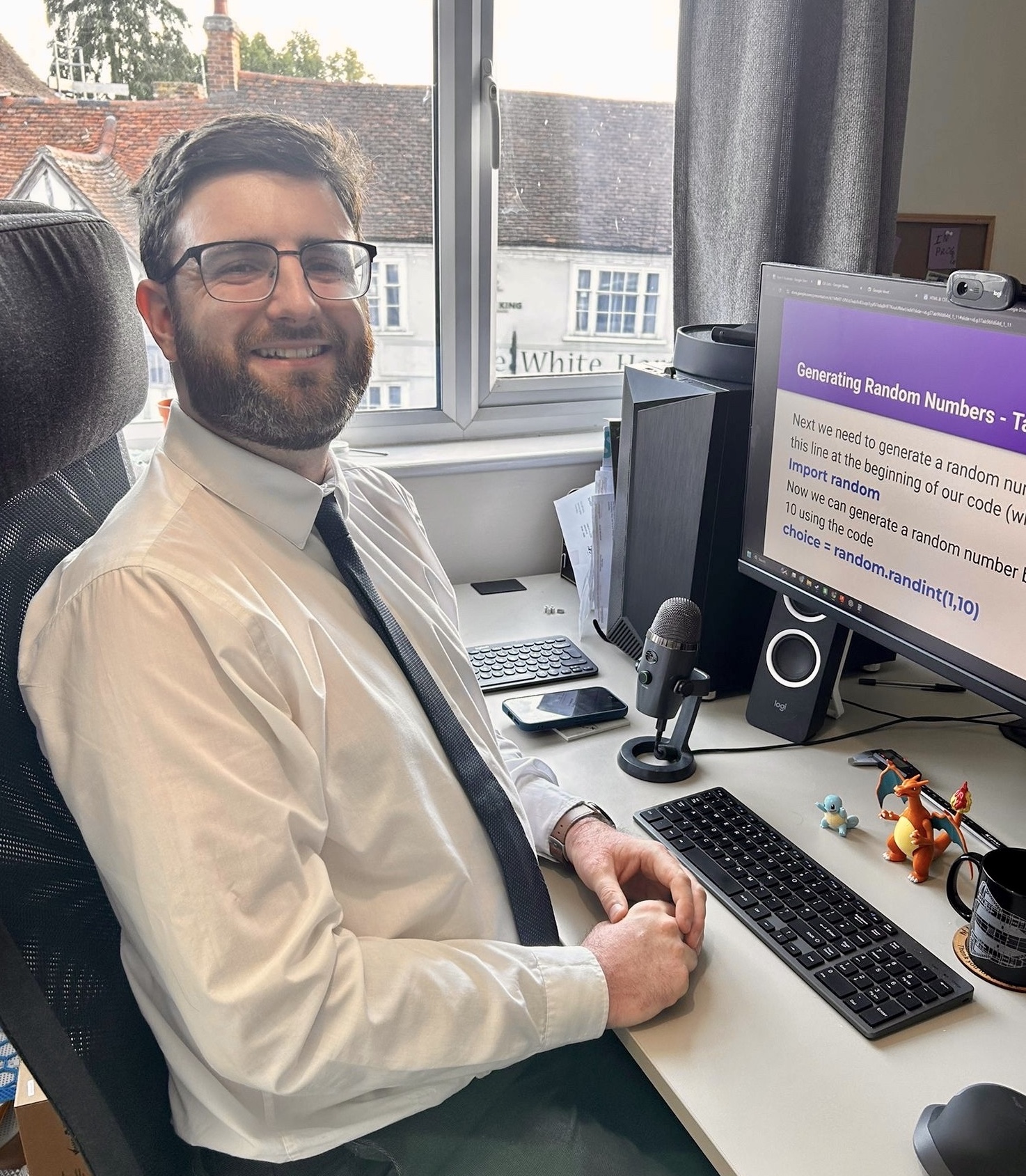
Ryan has spent his entire career working in IT and brings a wealth of hands-on industry knowledge to every lesson. As Head Tutor, he leads our curriculum and ensures each course delivers real, practical skills that students can carry forward.
His patient teaching style and genuine enthusiasm for technology help even the most hesitant beginners feel confident writing their first lines of code.
Joe Robb
Co-Founder
Joe is a professional software developer with nearly 10 years of industry experience building web applications and software solutions. He also has over 10 years of tutoring experience, giving him a deep understanding of how to break down complex concepts for younger learners.
He founded Head Start Coding to combine his two passions — writing code and helping young people discover what they're capable of.
Frequently Asked Questions
FAQs
What will I need for the course?
Ideally two devices such as a laptop and an iPad to allow you to follow the tutor on one screen and write your code on the other. However, one large screen split down the middle will also be fine. We will help you get everything set up for the course.
I'm a parent, how can I track my child's progress?
Our courses are "project based" meaning that your child will develop a portfolio of accomplishments to demonstrate their progress.
What if I miss a lesson?
Lesson recordings can be provided if a student was to miss a lesson.